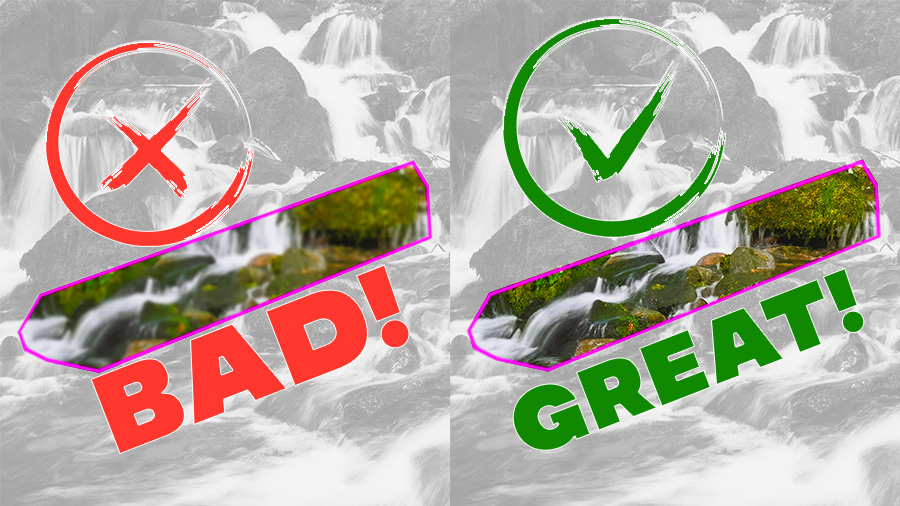
Before Using Generative Fill Watch This!
Today, let’s dive into the world of Adobe Photoshop, specifically its hot new feature – Generative Fill. As cool as this tool is, it’s got a quirky limitation that might frustrate you as much as it does me: the 1024 rendering limit. But don’t...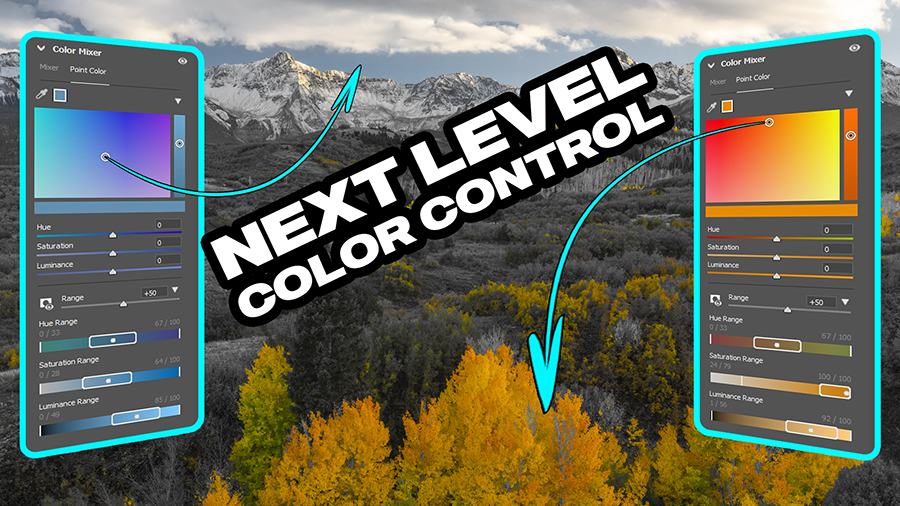
Next-Level Color Control ACR 16.0 & Lr 13.0
What’s new in ACR 16.0 and Lightroom? An EPIC Color Theory tool that I never knew I needed, and now that I have it, I am STOKED! This color range feature for modifying color is next-level color theory at play, and it’s at the RAW level. WOW! The only thing...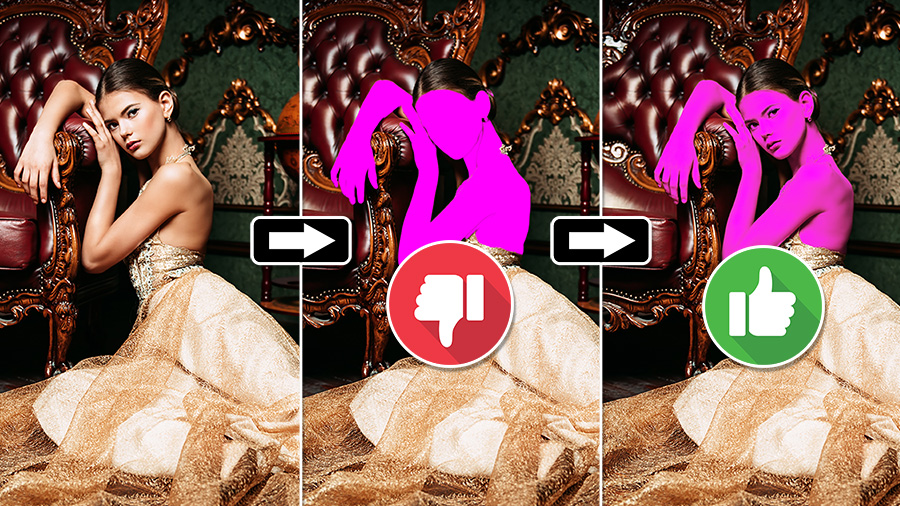
BETTER Skin Tone Selections in Photoshop
Have you ever wondered why ACR and Lightroom are so good with skin tone selections, but the native tools in Photoshop are antiquated? I have. It baffles me that masking is so easy to do in a program that just recently received masking. Yet Photoshop, which has had...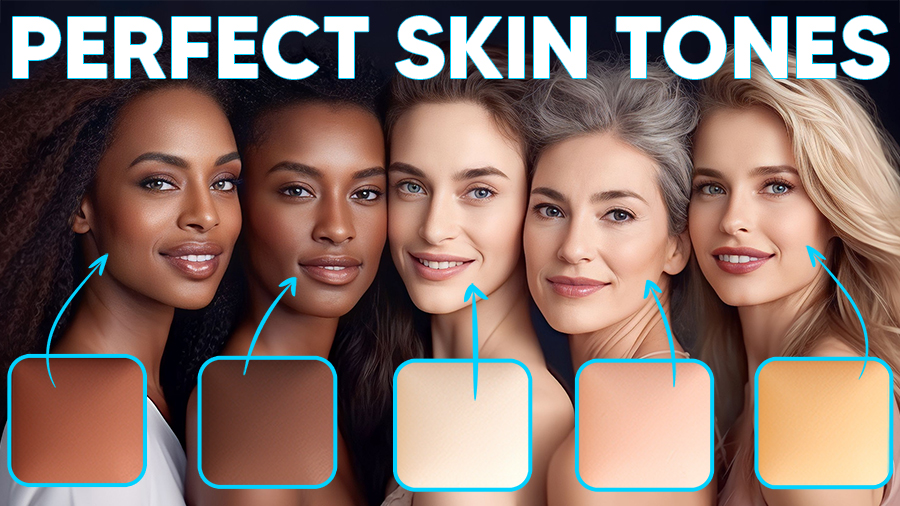
AMAZING Skin Tones using GRADIENTS in Photoshop
Photographing and editing skin tones can be a difficult task. Take them too far, and they saturate quickly, but don’t take them far enough, and you could have lifeless skin. A fine balancing act exists for proper skin tones between on-location lighting and...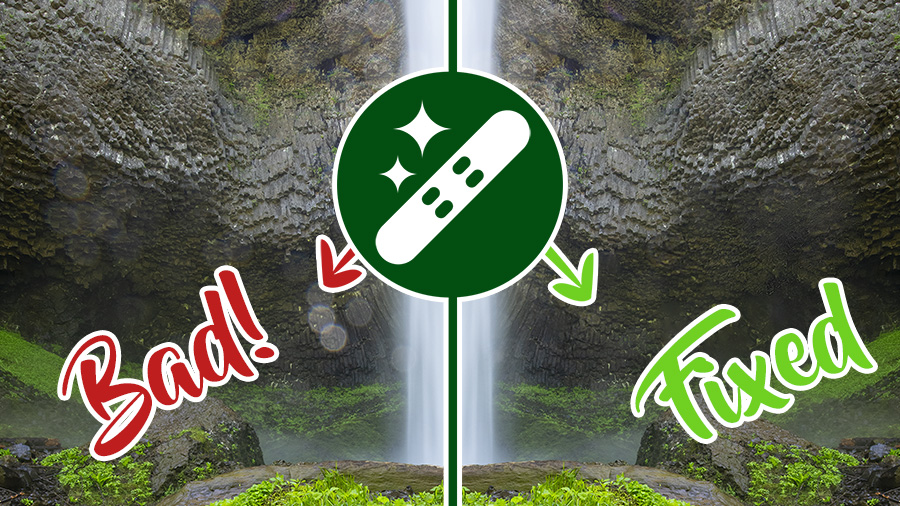
Remove Tool Best Practices
The remove tool in Photoshop is fairly simple to use. It has very few settings but seems to work like magic until it doesn’t. Here are some of my best practices for using the remove tool. Chapters 00:00 Intro 00:28 Where is it? 02:02 Tool Size Settings 02:51...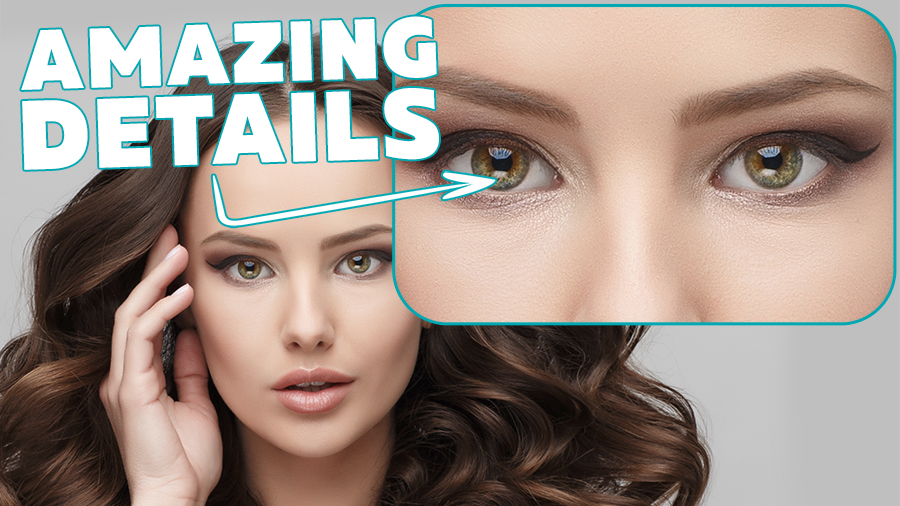
DON’T use CLARITY • Use THIS instead
Want to know how to get the ABSOLUTE best detail in your photos WITHOUT using Clarity and Texture? Well then, you’re in luck! I’m gonna show you how to get incredible details in Photoshop! This method will give you incredible details in your image without...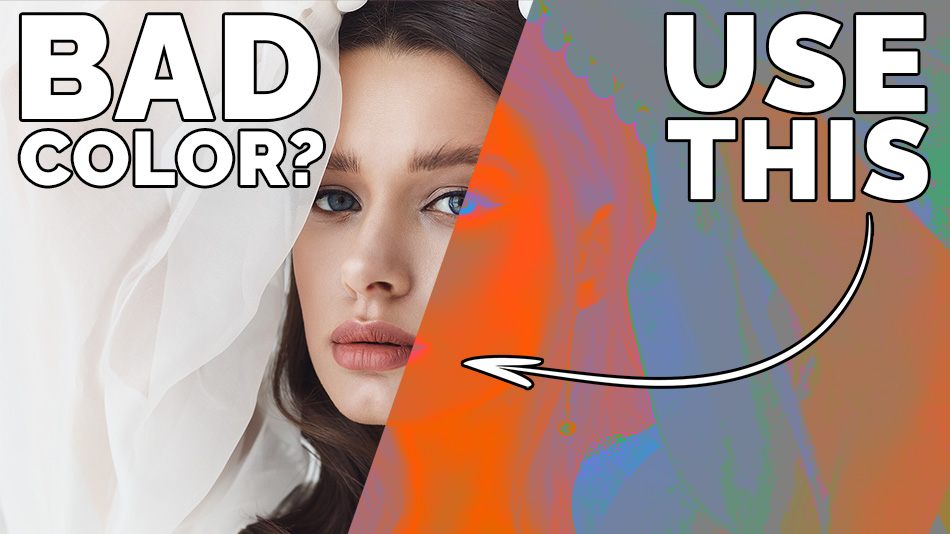
GREAT Color Photography EXPLAINED
*Do you struggle with color in your photography? Me too!* I accidentally stumbled upon a checks and balances layer that can help you determine a few things. Be prepared to go through your portfolio with a fine-toothed comb. After watching this, you will be able to...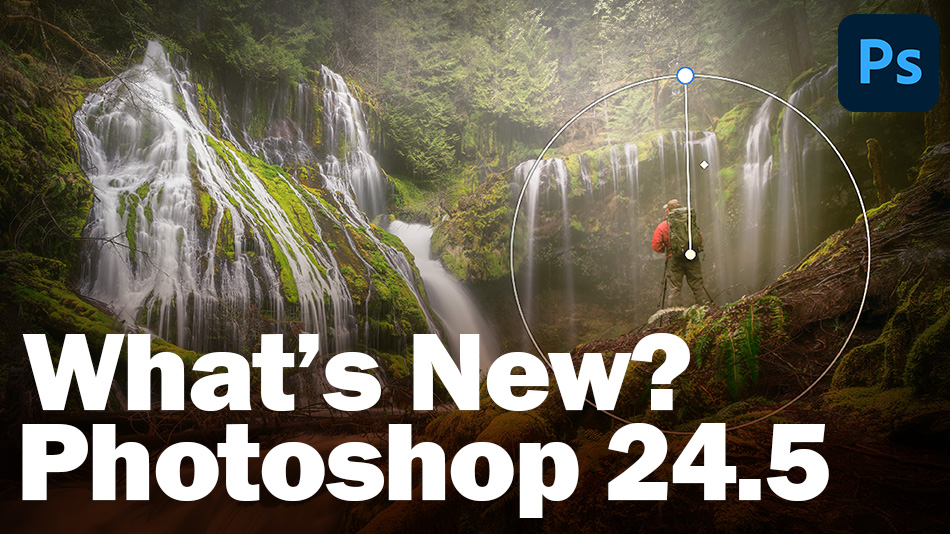
FINALLY! a Phenomenal Photoshop Update – 24.5
Finally, a MAJOR Update to Photoshop that ACTUALLY helps us in our workflow in multiple ways. I WILL NOT be covering beta tools in this video as they are not in the official release. No generative AI Fill. We’ll save that for another day. We will cover the new...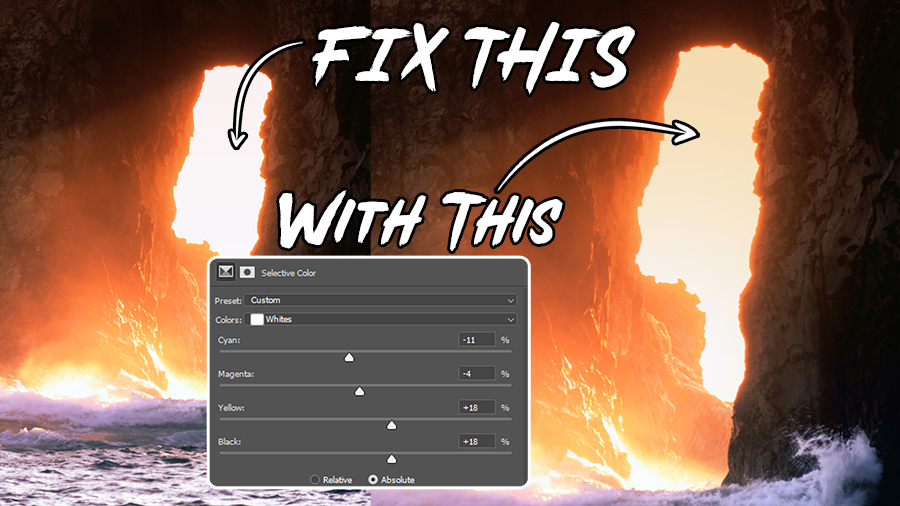
Fix Landscape Highlight Blowouts with Selective Color in Photoshop
Let’s face it: no matter how good you are or how many landscape photos you’ve taken, you WILL face highlight blowouts. It’s not a matter of IF, but WHEN! Ideally, we want to get everything perfect in-camera, but if we don’t, we no longer have...