Photoshop CS 5: Selective Focusing
Last week I showed how to Selectively Blur an area of your photo using Adobe Photoshop CS 6 Beta, but did you know you can do this in past versions of Photoshop very easily, and with even more control? It is pretty simple actually and uses many...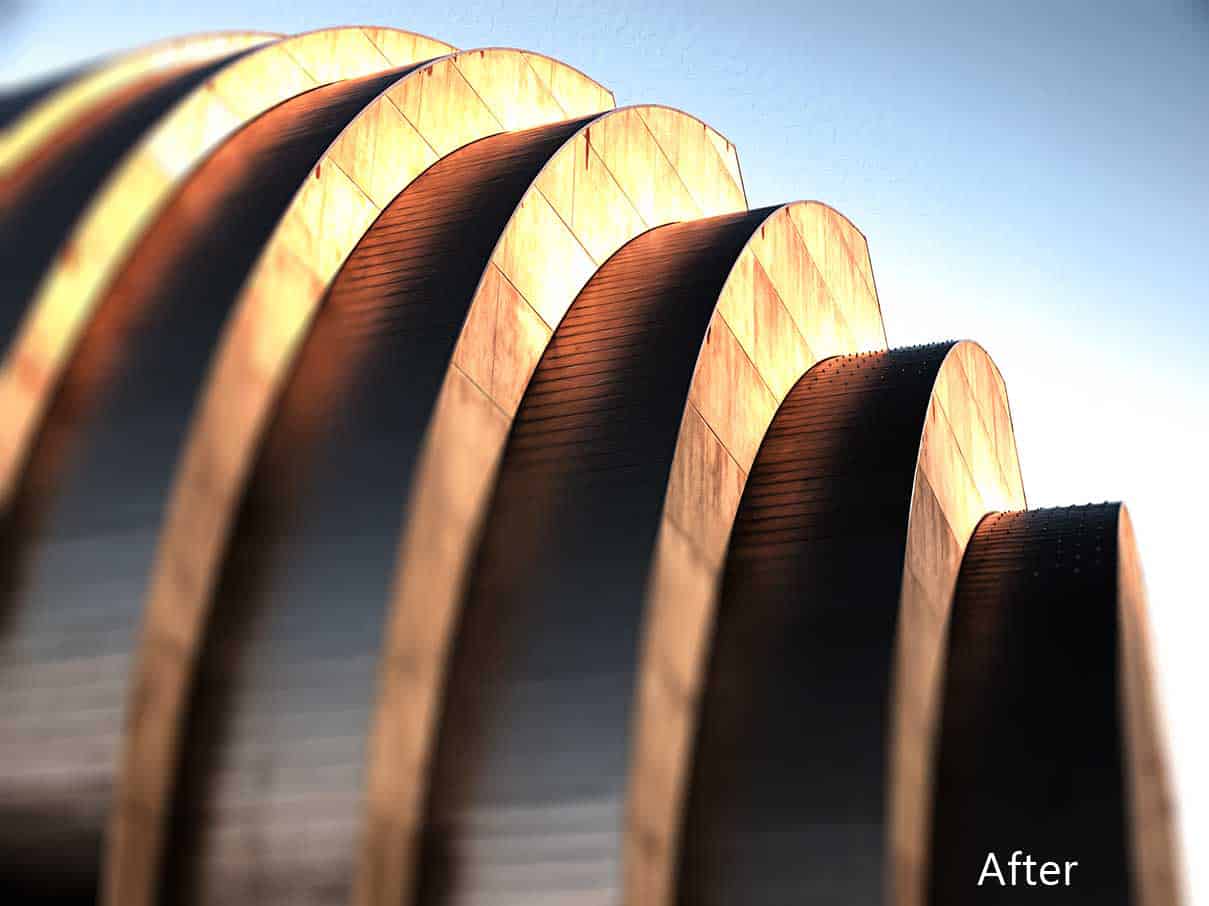
Photoshop CS 6: New Features, Iris Blur and Oil Paint Filter
I recently downloaded the Adobe Photoshop CS 6 Beta and I have to say I am loving it. At first the interface took some time to get used to due to it’s dark nature, but after about 20 minutes of poking around, I felt just as at home as CS5. Now, how will this...HDR Noise Reduction: Blur Tool
So by this point I probably have you sold on this whole HDR thing, but what about that damn HDR Noise? I like to call it HDN, High Dynamic Noise, and pardon my English it is a pain in the ass! However, there are some methods for getting rid of it. In this tutorial...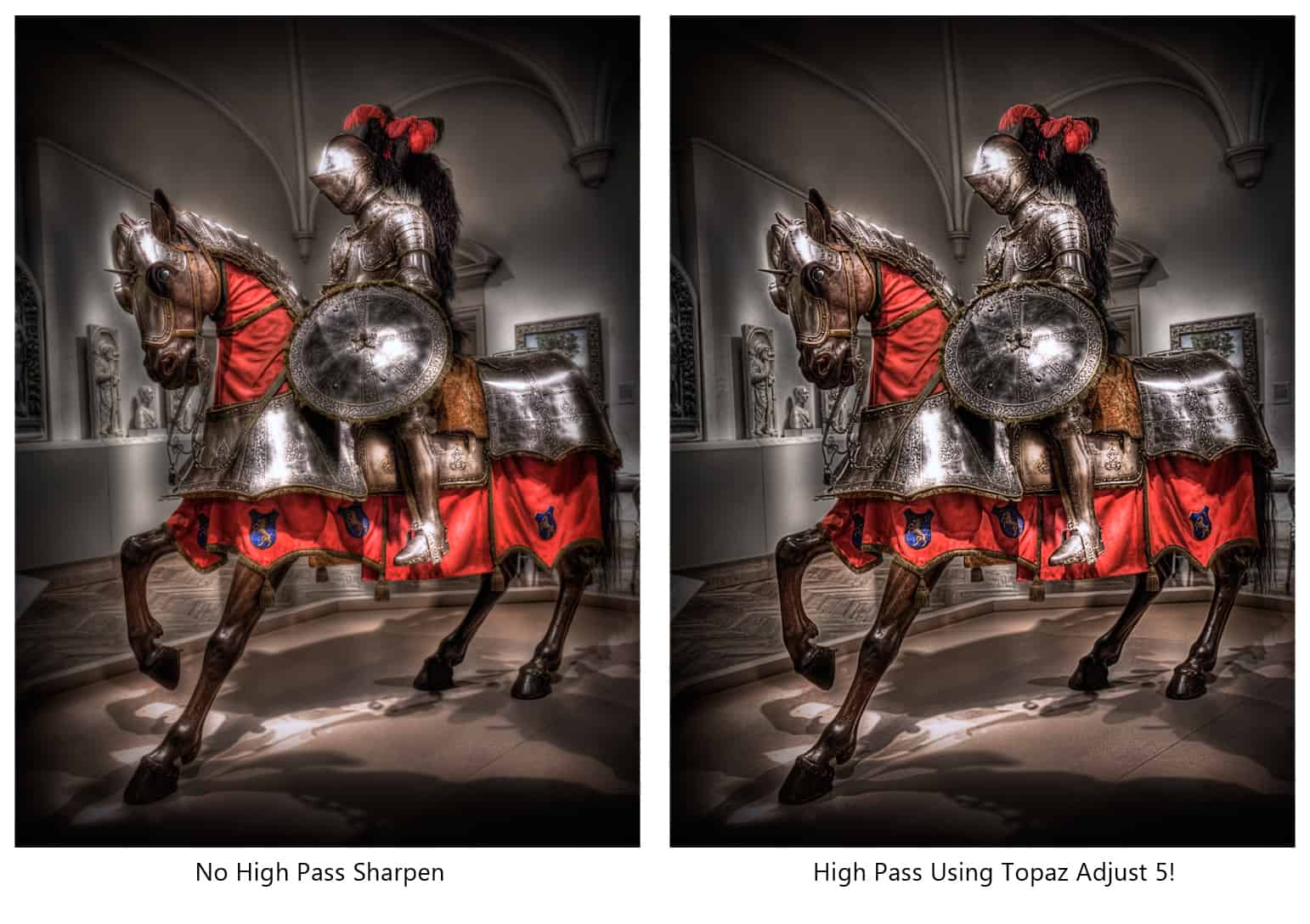
Topaz Adjust 5 High Pass Sharpen Technique
Ever thought of using Topaz Adjust to make a High Pass sharpen base? It is a pretty neat technique that adds a little more umph to your High Pass sharpening without over doing it. I really like the Topaz Adjust 5 interface and find myself using it more and more in...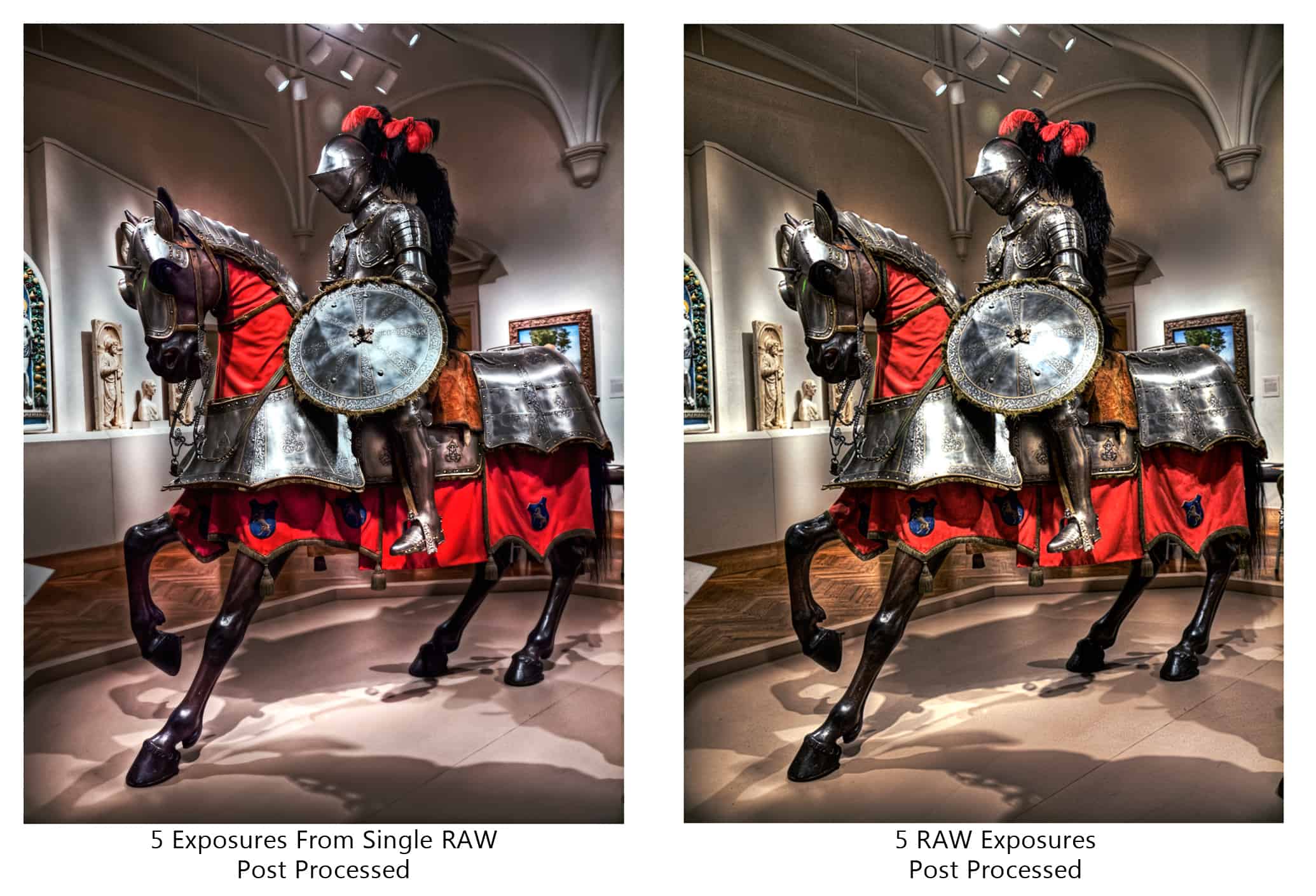
Creating Multiple Exposures From a Single File
There are several ways to create an HDR image. I prefer to shoot the 5 exposures from my camera and tone map them straight to Photomatix and retouch everything later. But what happens when you only have one RAW file, you can tone map it by itself but sometimes that...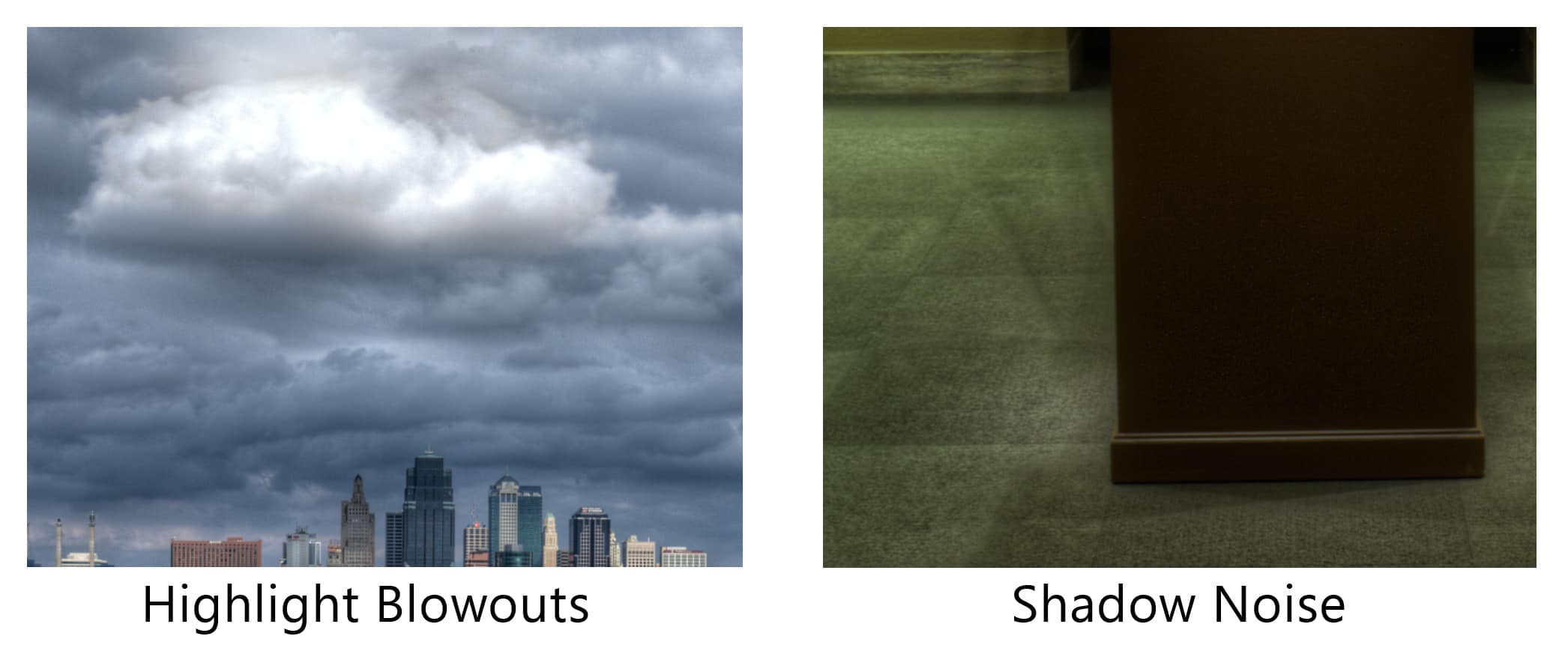
Tutorial: Fixing Shadow Noise and Highlight Blowouts
There is nothing I hate more with HDR photography than Shadow Noise and Highlight blowouts. These areas are especially common when tone mapping with Photomatix Pro. While they are very annoying, they are not worth throwing Photomatix out of my HDRsenal by any means....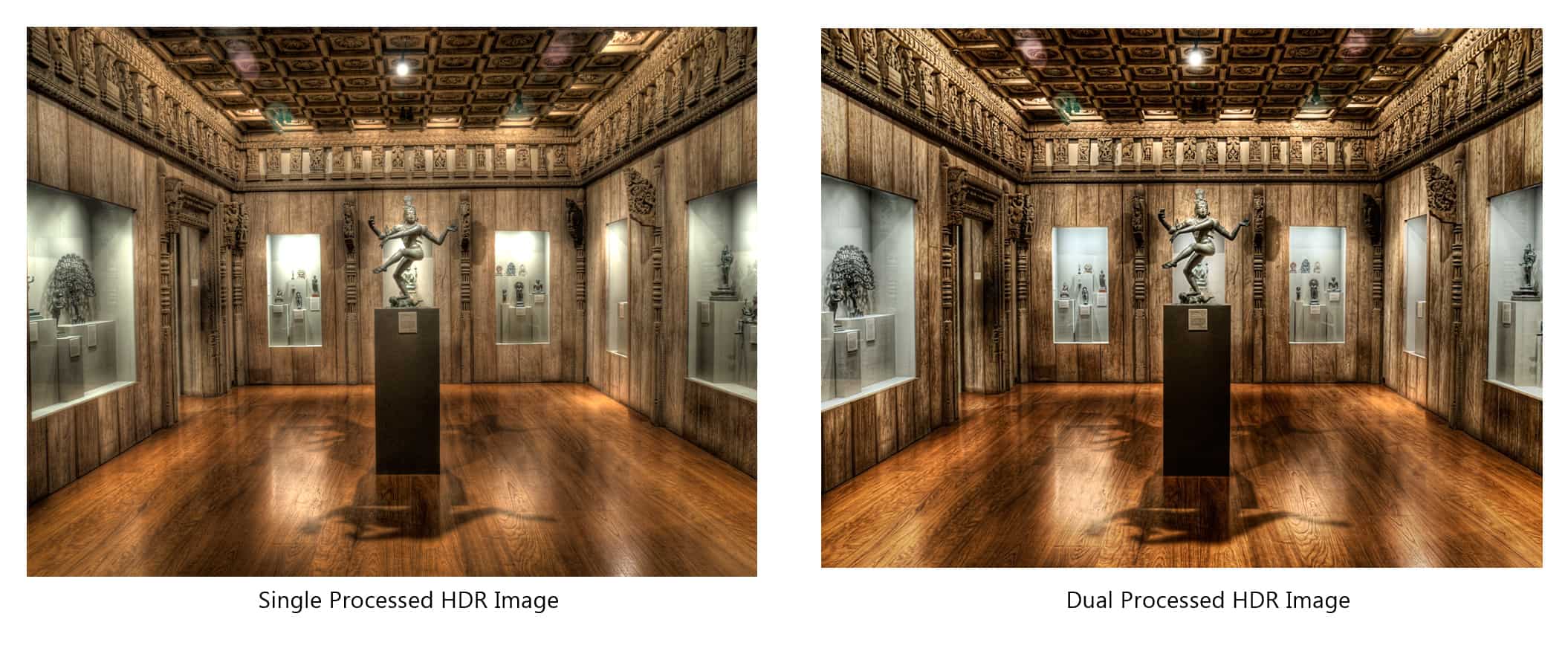
HDR Tutorial:Dual Processing HDR Images
We have all fallen victim to the lazy HDRtist. You know, when you are processing an image in Photomatix and there are distracting highlight blow outs so you do everything in your power to fix them and in turn end up sacrificing the rest of the image. So you tell...
Image Size: Saving For The Web
Image size is always a tricky issue among photog’s many feel they are inferior to others, many over compensate for their image size with rather large accessories, and many know their image size is grandiose but prefer to keep it to themselves. I figured I would...How to Make Your Own Brushes In Photoshop
Today’s tutorial is all about how to make your own custom brushes. Custom brushes can be made from all kinds of pictures, pictures that you wouldn’t consider worthy of a brush, like rust spots on the side of a dumpster! You can use these brushes that you...