
Replacing Skies in Photoshop with Blend If
Sick of Blend If yet? Well too bad! Last week while we were in Yosemite we had great weather for shooting, but most mornings were cloudless. We noticed that in the morning the skies were pure white but as the day progressed the clouds would roll in. Our afternoon...
Blending Photos with Blend If
Blend with Blend If I have done quite a few tutorials about the powerful tool, Blend If. I have shown many technical ways to use it, from Noise Reduction and Sharpening to the basics and better vignettes, but I have yet to show you how to use it in a creative way....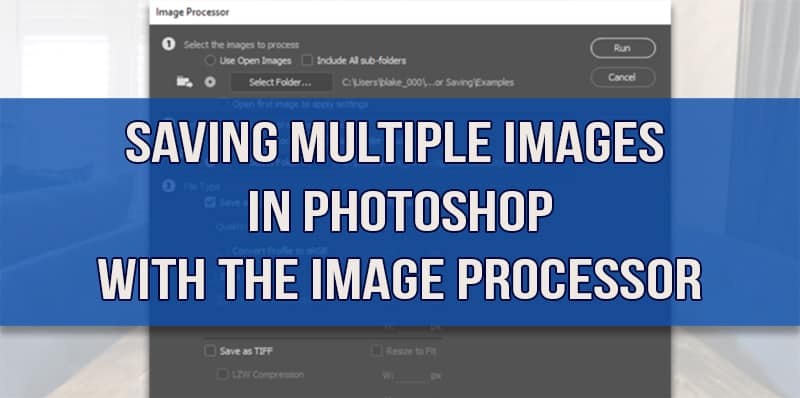
Saving Multiple Images Automatically in Photoshop
Saving Multiple Images in Photoshop with Scripts: The Easy Button Last week, I did a photo shoot with an interior designer and friend of mine here in Kansas City. The house was gorgeous which made all of the shooting very easy for me thanks to the work of Studio...
Distraction Removal: Marquee Selections in Photoshop
Sometimes a Marquee Selection is better than a Clone Stamp Every once in a while you come across a tricky distraction in a photograph that throws off the whole shot. In the example image today, there is a giant toolbox in the lower left-hand side of the image that is...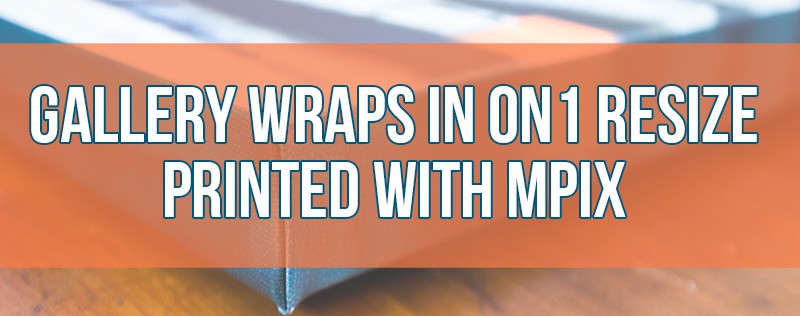
Gallery Wrap in ON1 Resize Printed with mpix
A Gallery Wrap Border in ON1 Resize for print with mpix A gallery wrap can add an exquisite finish to a canvas printed photo with mpix. It adds a thick border to the sides of the print making it appear like a painting that has been stretched. It also adds depth to...
The Photo Compositor’s Video Library
Photo composites made simple with a treasure trove of information! Last Saturday, I did a webinar hosted by the Photoshop and Lightroom Facebook Group with Andrew Kavanagh. In this webinar, I discussed “Understanding Layers for Photo Composites”. I went...
The Color Blend Mode in Photoshop
The Color Blend Mode can be extremely powerful The Color Blend Mode in Photoshop has slowly become my new favorite toy. I am using it in many more ways than I ever imagined and today I will show you how. The Artist’s Eye: A Closer Look will be launching very...
How to make an Animated Gif in Photoshop
An Animated Gif in Photoshop is so much fun to make! While they may seem like a daunting task it is rather easy to make an animated GIF in Photoshop. You have probably seen animated GIFs around. They were big in the late 90’s when the Dancing Baby appeared all...
How to use Tone Mapping in Adobe Camera Raw
Tone Mapping in Adobe Camera Raw… Really? In Photoshop CC you can use Adobe Camera Raw as a filter (Photoshop CC users only, I apologize in advance CS6er’s) and if you are creative enough with it you can do some tone mapping. This may sound odd as Adobe...