Photographers and G+
Google+ (G+ for those in the know) is a great social networking community for anyone to frequent. However, there are several specific reasons for photographers to be on G+. While there are many key points that I could hit on, I will focus on my top 5. Inspiration- ...
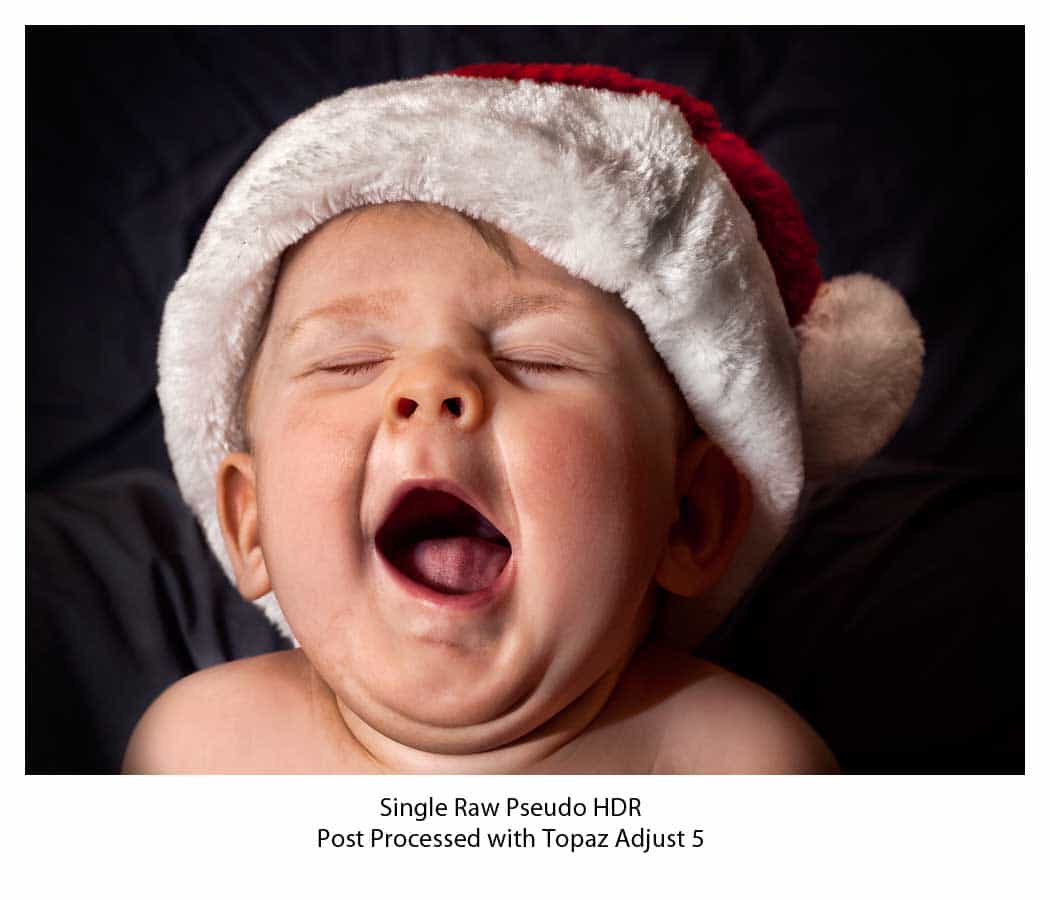
Still Loving Topaz Adjust 5
A lot of people ask themselves, "What can this product really do for me?" before they make a major software purchase. Many of those people might say, "Well I am a portrait photographer, will this really help me?". I asked myself very similar questions before I...
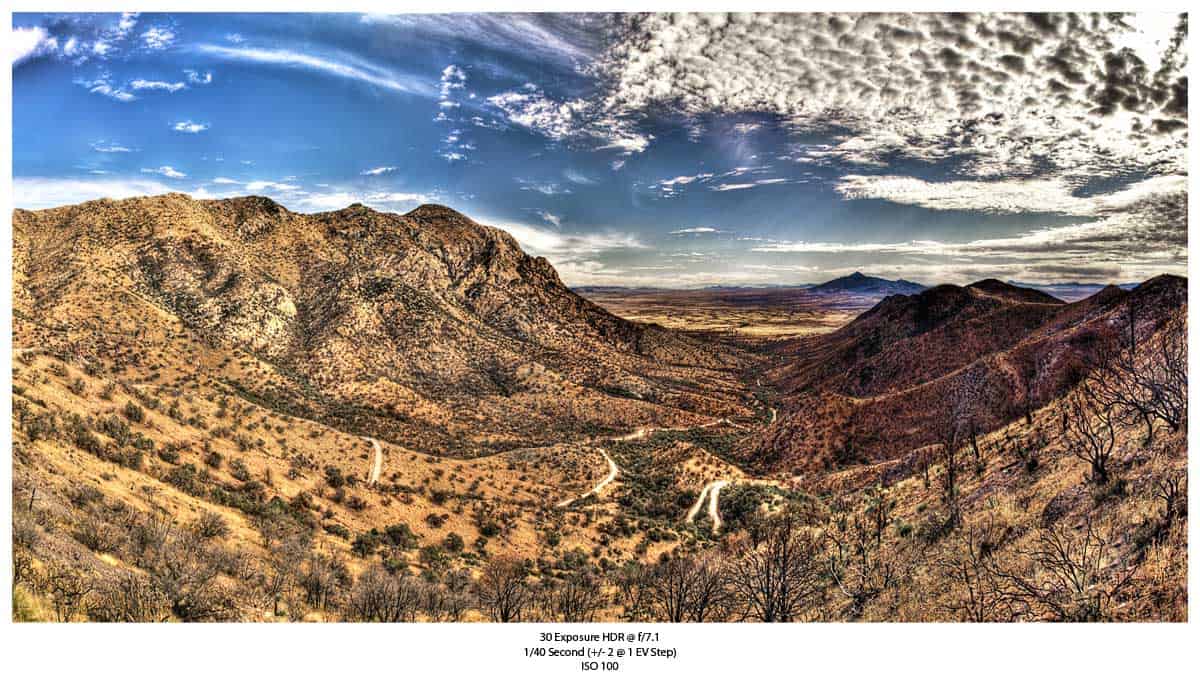
More From Arizona
I am still post processing the pictures from Arizona. After visiting Tombstone, I took a trip out to the Coronado National Memorial. This National Park is completely underrated, I really wish I had more time to hike here, but it was a work trip after all. We did a...
How to Make Your Own Brushes In Photoshop
Today's tutorial is all about how to make your own custom brushes. Custom brushes can be made from all kinds of pictures, pictures that you wouldn't consider worthy of a brush, like rust spots on the side of a dumpster! You can use these brushes that you create for...
Lightstalking.com
I recently took a look at my Google Analytics and saw a huge wave of traffic coming from Lightstalking.com. I hopped over there and noticed they had added my Dodging and Burning tutorial to their list of things you may have missed in Photography last week. Pretty...
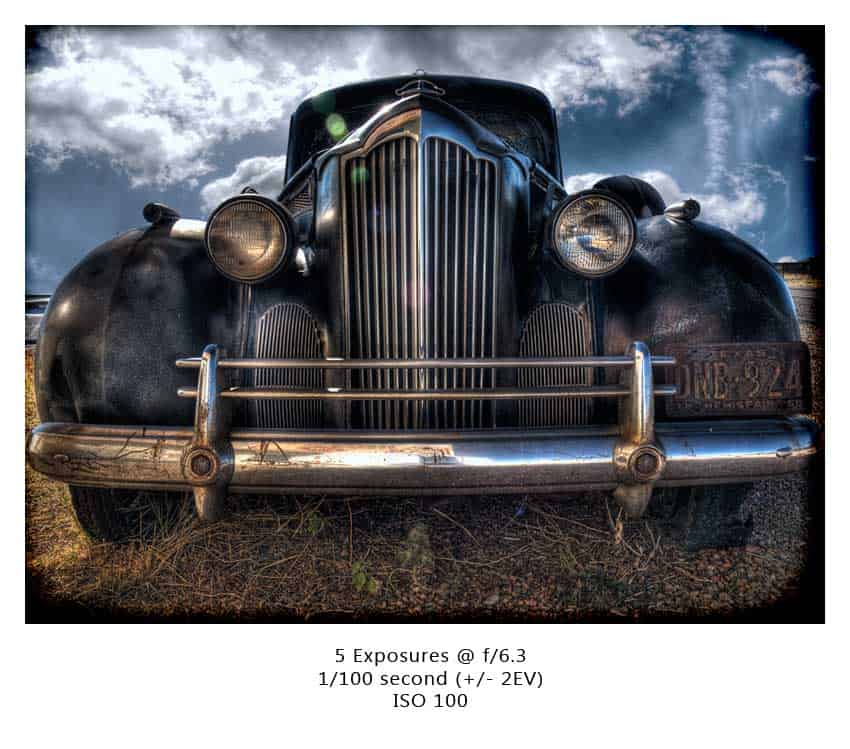
Business As Usual
I recently went on a business trip to Sierra Vista, AZ, a small town about 20 minutes from the infamous Tombstone Arizona. You might be asking, what kind of business are you in that you get sent to such a place, my response... For your own safety, you would be...
Quick Tip: Auto Align Layers
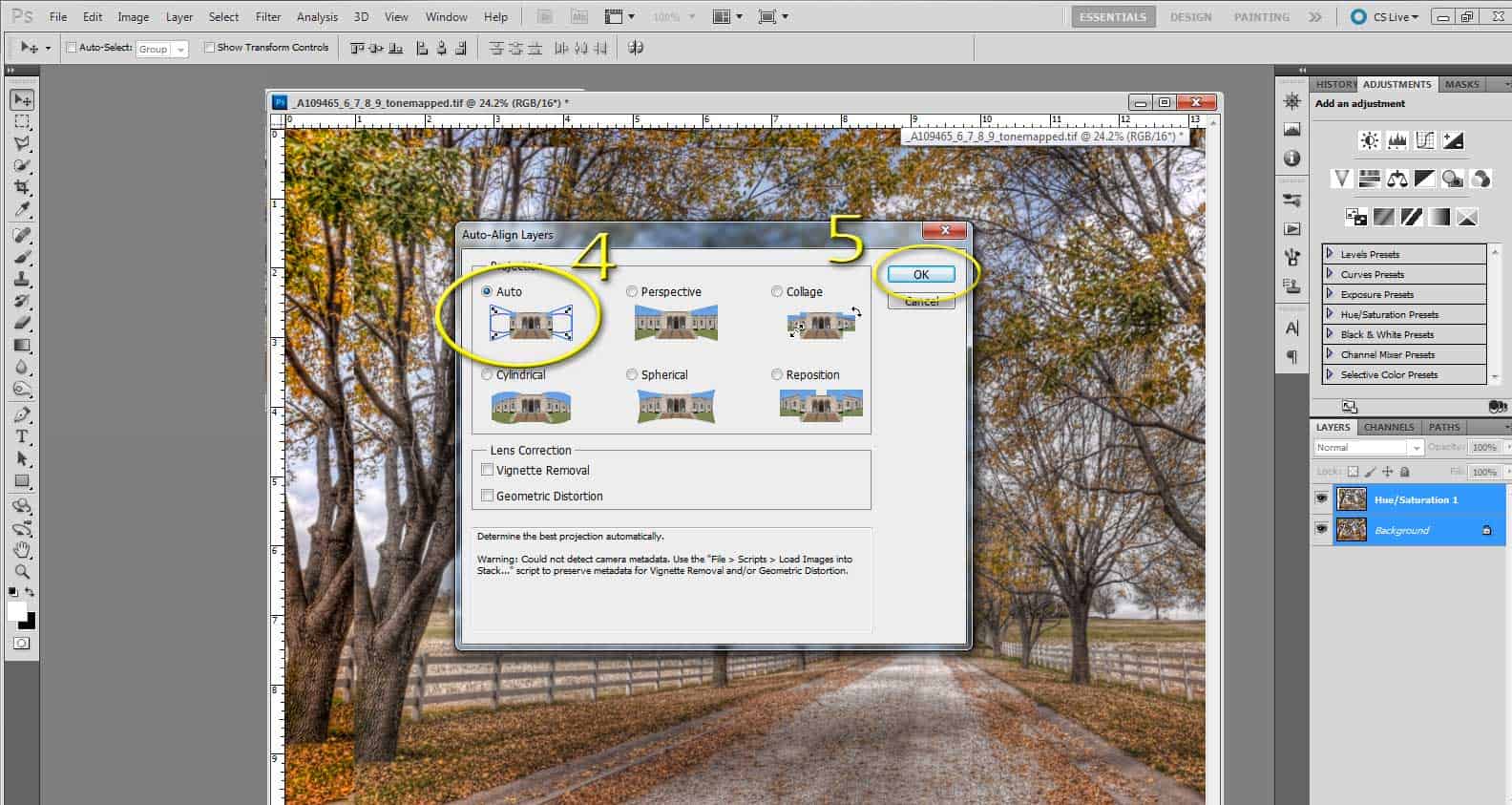
Auto aliging layers in Photoshop is an invaluable tool for any HDRtist. It is very common to create a tone mapped file and use elements from the original exposures to enhance local areas. Photoshop CS 5 has a very simple feature for making image alignment a breeze!...
MpiX for Xmas
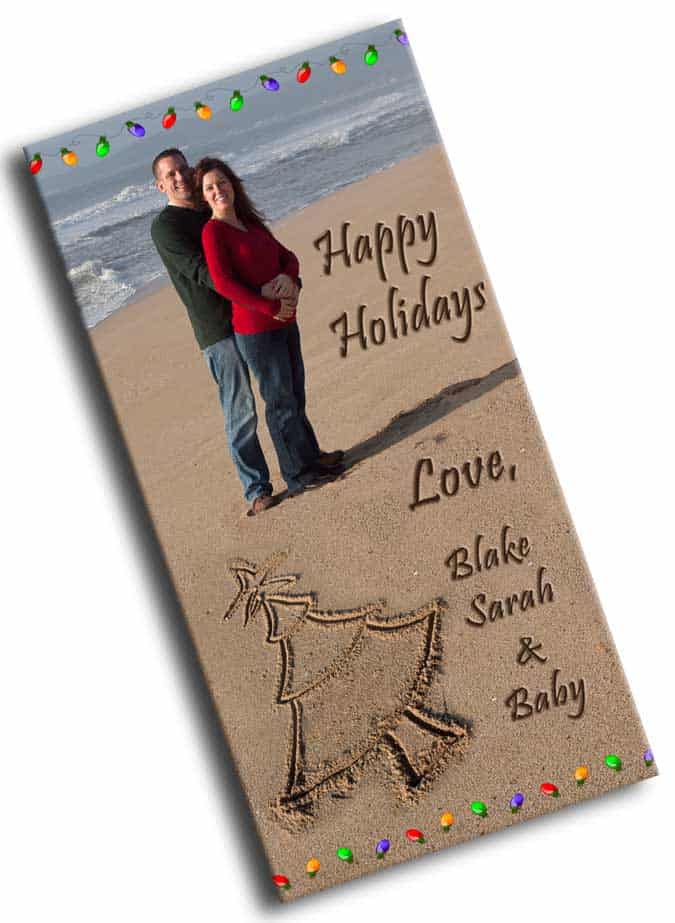
I just placed the order on Mpix for our Christmas Cards this year. After seeing how amazing they turned out last year, I will never use another company again. We always print using the Metallic paper that Mpix offers. If you want your Christmas Cards to pop off the...
My First HDR
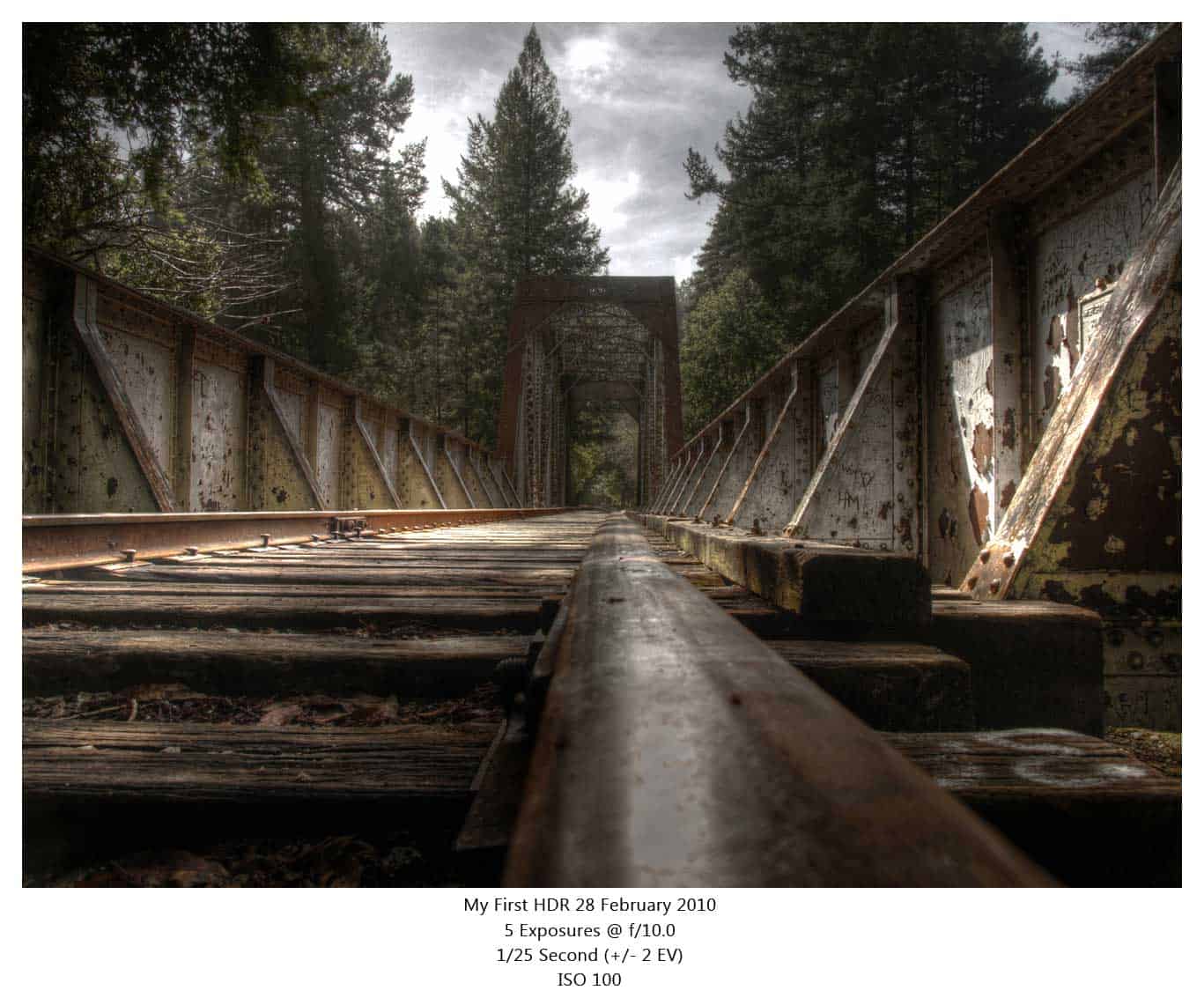
I took my first HDR image on 28 February 2010 at Henry Cowell's Redwood Forest near Santa Cruz, California. I was digging through my archives and found it, all somber and forgotten, poor guy. I looked at the tone mapped file that I did in 2010 and realized my HDR...
Dodging and Burning
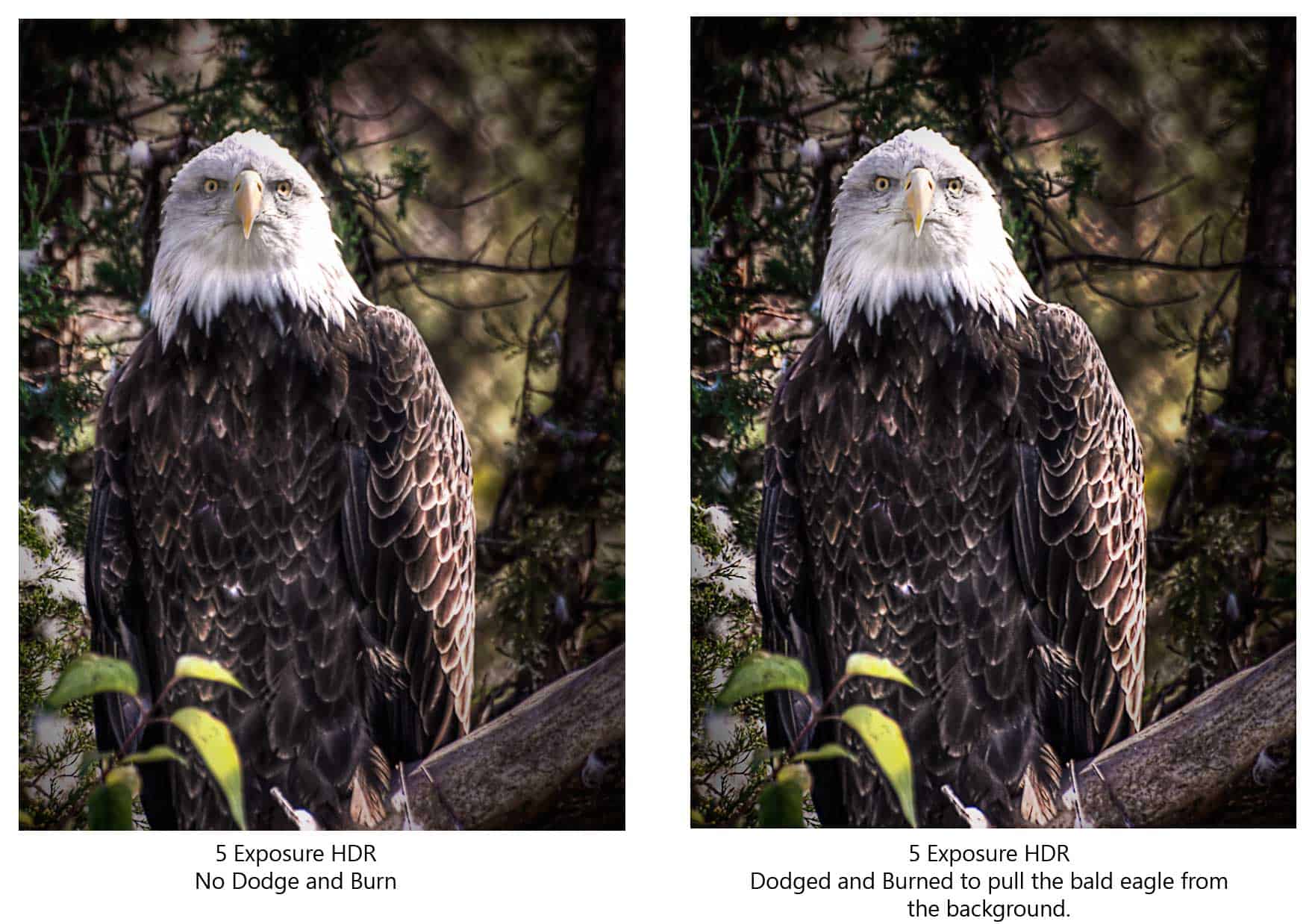
Today's video tutorial shows you how to successfully dodge and burn your HDR images without destroying them with permanent modifications. It is a really simple method of making a %50 gray layer over the image you would like to dodge and burn. You then set the layer...