
Selective Tone Mapping in ACR
Tone Mapping Meets Painting Recently on HDR Insider I showed a full length workflow tutorial on how to make a great HDR image from a single exposure. More often than not, we get way in over our heads with HDR processing that we forget that sometimes all you need is a...
Sharpen Tool High Pass Technique
A Little Bit Sharper Over the last few years I have used many different Sharpening Techniques. I have found some better than others, from the High Pass to the Unsharp Mask to the various Plugins. All of these techniques are pretty great and do a decent job of...
Walking Dead Intro Effect | Photoshop CC
Who doesn’t love Zombies and Actions! I was watching the Walking Dead the other day while playing around in Photoshop and thought, “Man that intro looks incredible! I bet I could mimic it in Photoshop, because it would look great on some old HDR...
Auto Color Tone and Saturation Actions (Free)
Automated Color Correction? Yes, there are FREE Actions at the end!Yes it is true, there is a way to auto color correct your images. The idea is simple, but pretty complex all at the same time… kinda like marriage ? (If you are reading this, I love you...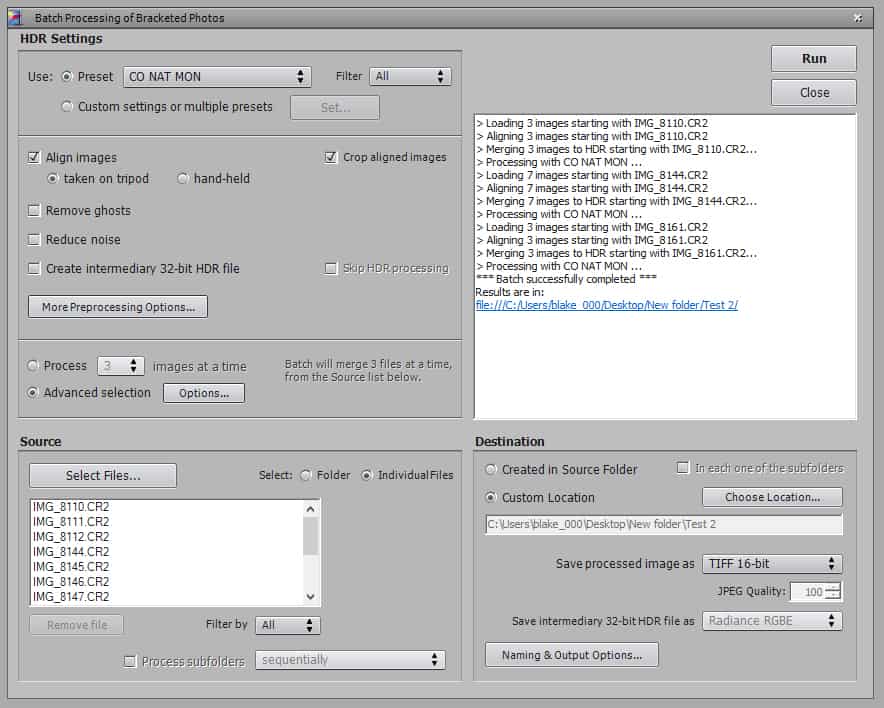
Batch Processing in Photomatix Pro 5.0
Want to make your HDR process more efficient? As you may know by now, I am an efficiency and workflow nut! I love a strong post processing Workflow and like nothing more than to save some time wherever I can. I recently went to Colorado National Monument on my way...
Masks and Clipping Masks
After yesterday’s Webinar with Topaz Labs, I realized I may have breezed through some rather important elements of Photoshop that I did not have enough time to elaborate on. The two main things I glanced by were Masks and Clipping Masks. During a webinar I...How to Make a Matte in Photoshop
Have you ever made an odd sized crop to a photograph, like 8 x 18, and wondered “How in the world am I going to print this without paying a fortune in custom framing fees?” The answer, as usual, is Photoshop! I recently made a crop to several...Use a Black and White Layer to Make Better Color Images
I was going through my tutorials and realized I have not shown one of my favorite go-to tricks to punch up the contrast in my color images. Surprisingly enough it requires the use of a Black and White Layer! One of the best ways to tell if your image could use a bit...
The PNG File and The Transparent Background
I spent a lot of time creating logos for the new endeavor, LearnPhotoNow. I realized after it was all said and done that there may be some people interested in the wonderful world of PNG files. Sometimes I take for granted the amount of random things I have learned...